

Create on-brand surveys with ease
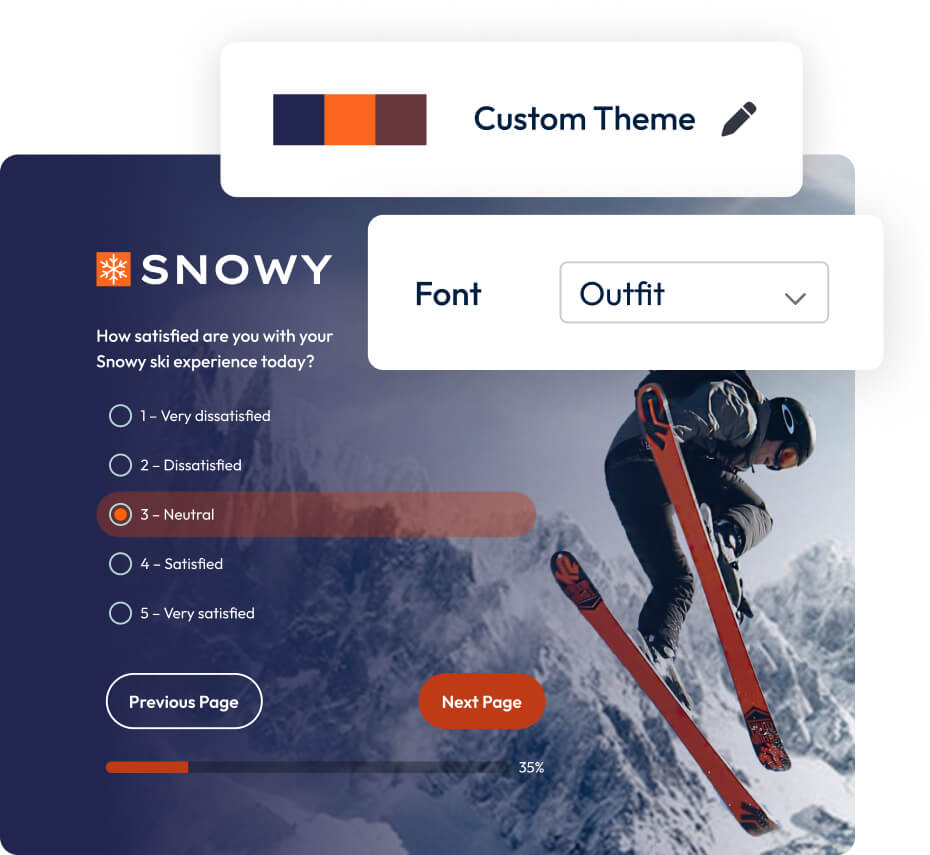









Get on-brand in minutes, not hours
Upload your logo, set your colour and font, and save. Four steps to a survey that looks like it came from you.
Control every element down to the detail
Advanced mode gives you ten editor sections. Adjust text, layout, buttons, and more to match exact brand guidelines.
Keep every survey on brand at all times
Create a theme once and share it across your team. No drift, no rogue surveys, no chasing people to fix colours.
Meet accessibility standards by default
Every theme in the new library is WCAG 2.2 compliant. Brand consistency without the manual accessibility check afterwards.
Explore the Theme Editor in under a minute
Get on-brand fast, without a designer
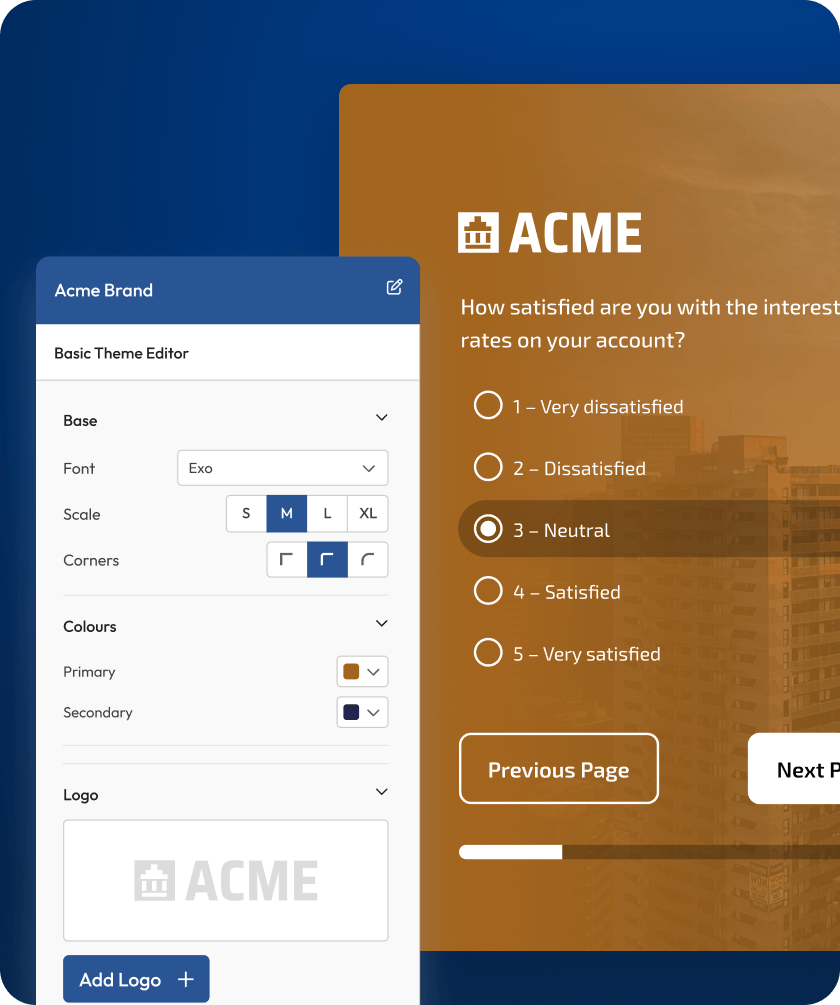
Basic mode handles your logo, colour, font, and corners in four steps.
Apply your logo instantly
Upload or choose from your file library. It's there in seconds.
Set your exact brand colour
Use the palette picker or enter a hex code directly.
Choose your font and corners
Pick from the dropdown or add a custom font via URL.
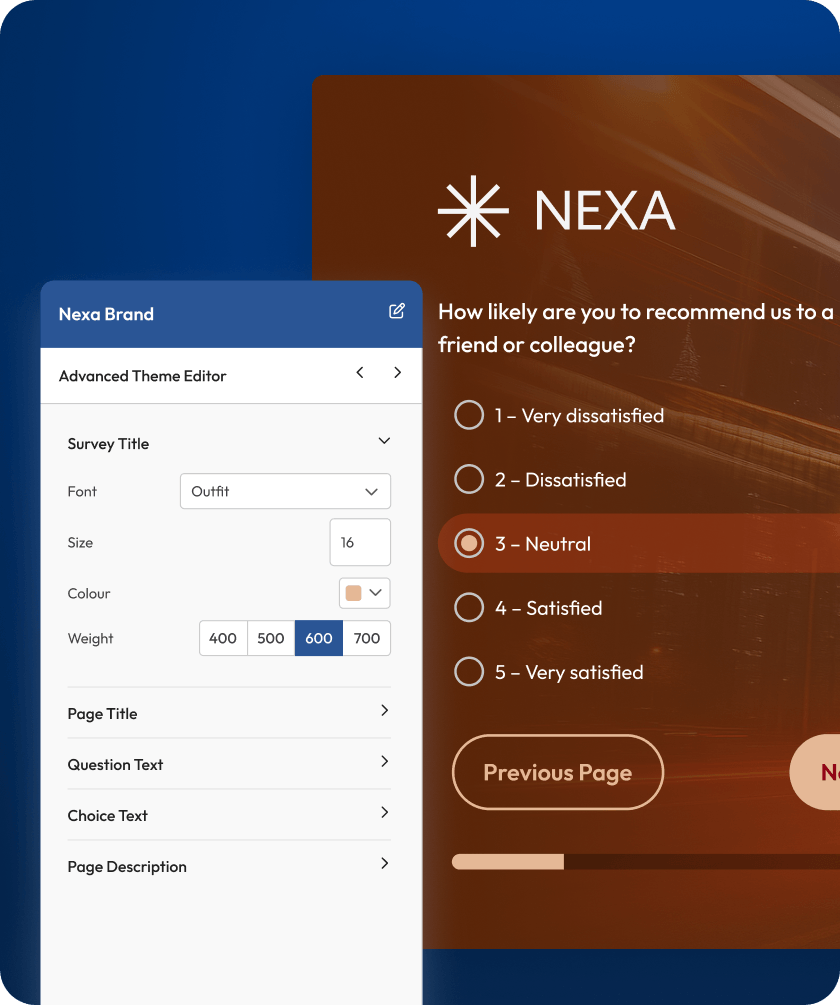
Match exactly to your brand guidelines
Advanced mode gives you ten editor sections,each targeting a specific visual element.
Style each text element separately
Set font, size, colour, and weight for every text type.
Build the layout your brand needs
Drag sections, add custom HTML, set per-section backgrounds.
Real-time preview that updates as you edit
Every change is visible instantly so you always know what you're building.
Share themes across your organisation
Create it once. Every survey your team sends goes out looking the same.
Remove design bottlenecks
Anyone can apply the shared theme without specialist help.
Stop rogue surveys before they happen
One theme, one standard, applied across every touchpoint.
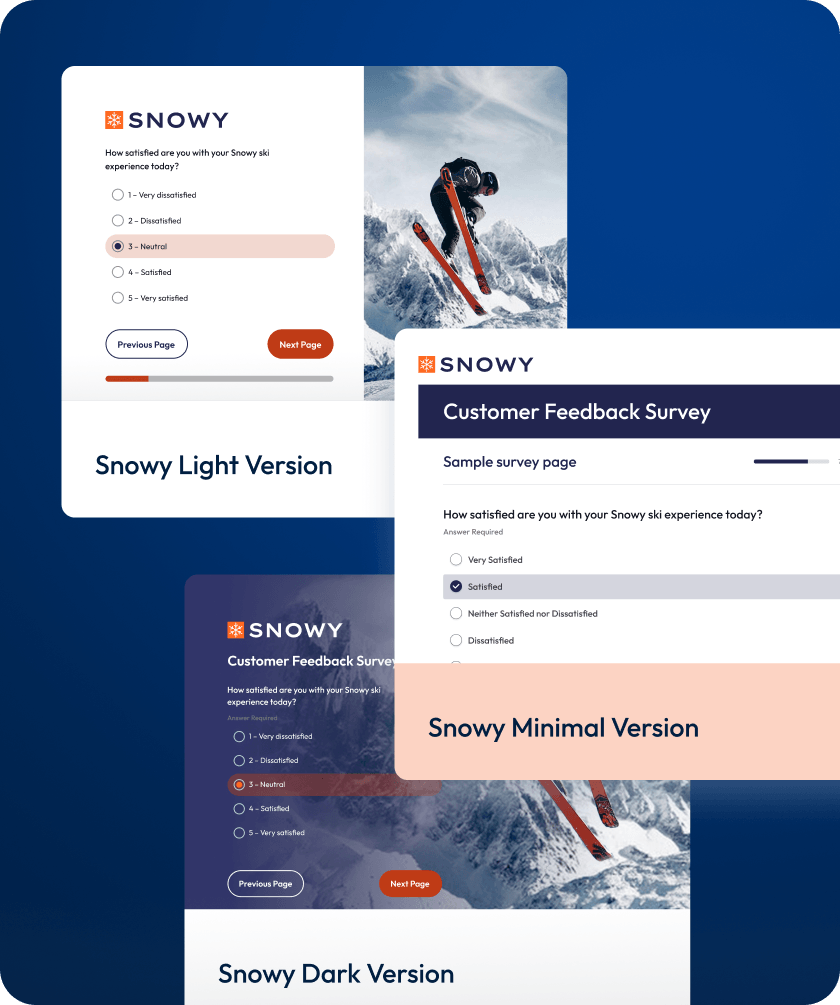
Spot inconsistency before it goes out
Spot inconsistency before it goes out.
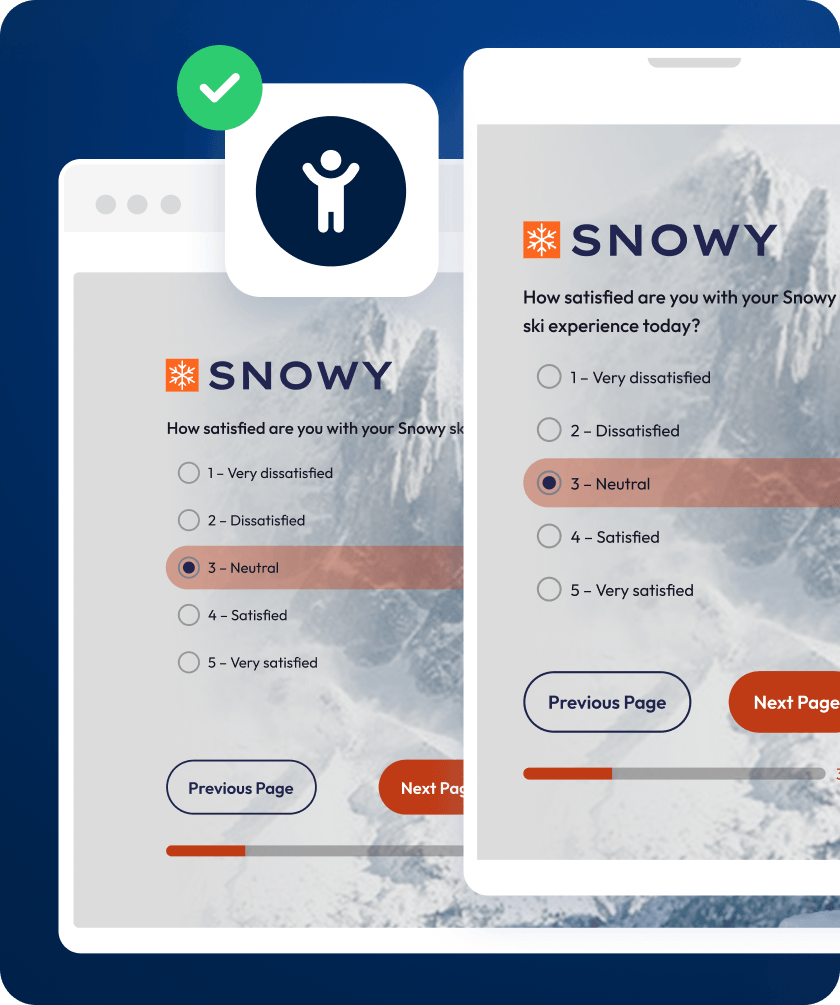
Advanced design that’s inclusive by default
Every theme meets accessibility standards out of the box. No setup, no trade-offs.
Accessible to every respondent, automatically
Your surveys are ready for any audience by default.
Keep brand and accessibility together
You no longer have to choose one over the other.
Apply themes that work on any device
All themes are optimised for desktop, tablet, and mobile.
Start building branded surveys today
Frequently asked questions
Yes. SmartSurvey’s Theme Editor lets you apply your brand identity to every survey you send. You can add your logo, set your brand colours using exact hex values, choose your fonts, and control how the entire survey looks and feels. Whether you need a quick branded look in a few minutesor precise control over every visual element, the Theme Editor gives you both options.
Every survey you send is a touchpoint with your audience.When a respondent opens a survey that carries your logo, your colours, and yourvisual identity, they recognise it as coming from your organisation. That recognition builds trust. And when respondents trust the source, they’re more likely to complete the survey and give honest, considered answers. A generic-looking form creates doubt. A branded survey creates confidence. For organisations collecting feedback at scale, that difference in trust directly affects the quality of data you’re working with.
No. SmartSurvey’s Theme Editor is built so anyone on yourteam can create a professional, on-brand survey without design experience. Basic mode gets you there in minutes: upload your logo, pick your colour, choose your font, and you’re done. If your brand team wants more control, Advanced mode offers granular customisation across layout, typography, backgrounds, and more. But the point is you don’t need to wait for a designer to get started.
As much as you need. In Basic mode, you set your font, primary colour, and button style for a clean branded look in minutes. In Advanced mode, you get full control across 10 editor sections covering textstyling for every element (titles, questions, answer choices), logo placement, backgrounds (solid, gradient, image, or even custom code), page layout and sectionordering, input and button styling, question presentation, validation colours, and progress bar design. You can even add custom HTML and CSS elements if you need something specific.


