

Top 8 Alternatives to SurveyMonkey in 2026: better, cheaper and more flexible
SurveyMonkey is one of the best known survey tools in the world, and for a quick one-off survey it does the job well. It has a large template library, a familiar name, and a self-serve experience that gets you to a live survey fast.
It is not the right fit for everyone. SurveyMonkey was built in the United States, it charges you for every response over your plan allowance, and many of the features teams actually need sit behind its higher tiers. If any of that is starting to bite, you have good options.
Quick answer: the best overall SurveyMonkey alternative for UK teams is SmartSurvey. It keeps your data in the UK, includes advanced logic and AI analysis on lower-priced plans, and scales from a single user to a full enterprise feedback programme without the per-response overage charges SurveyMonkey applies. If you only need simple internal forms, Google Forms and Microsoft Forms are capable and free. For deep academic or market research, Qualtrics and QuestionPro are worth a look.
People most often start looking for a SurveyMonkey alternative because:
- It is US-based, and most UK and European data sits on US servers unless you are on an Enterprise contract
- You pay 0.15 USD for every response over your plan allowance, and deleted responses still count towards the limit
- Useful features such as SMS distribution, offline collection, and the Salesforce integration all require an Enterprise agreement
- Phone and live chat support are reserved for higher tiers, so lower paid plans get email only
- The cheapest month to month individual plan is 99 USD, and the lower annual prices lock you in for a year
The 8 best SurveyMonkey alternatives at a glance
The eight best SurveyMonkey alternatives compared on location, free plan, starting price and best use.
What you get with SurveyMonkey
It helps to know what you are comparing against. SurveyMonkey gives you a broad set of survey features and one of the largest template banks available.
- More than 400 templates and a large library of pre-written questions
- AI-assisted survey creation that suggests question types as you build
- An AI Analysis Suite, added in late 2025, with sentiment analysis across 50 or more languages, thematic analysis, and a chat-based "Analyze with AI" tool
- Skip logic and branching, with the more advanced logic reserved for higher tiers
- A free plan, individual plans (Standard, Advantage, Premier) and Team plans (Advantage and Premier, minimum 3 users), plus a quote-based Enterprise tier
Where it frustrates people is everything around the edges. Most UK and European customer data is stored on US servers unless you negotiate an Enterprise contract. You are charged 0.15 USD for every response over your allowance, and responses you delete still count. SMS surveys, offline collection, the Salesforce integration, and BI connectors such as Power BI all require Enterprise. Phone and live chat support are gated to higher tiers. At the time of writing, that mix of billing and support friction shows in its Trustpilot score of around 3.2 out of 5.
The eight platforms below each solve some of that better. We have started with the one we think fits most UK teams.
1. SmartSurvey
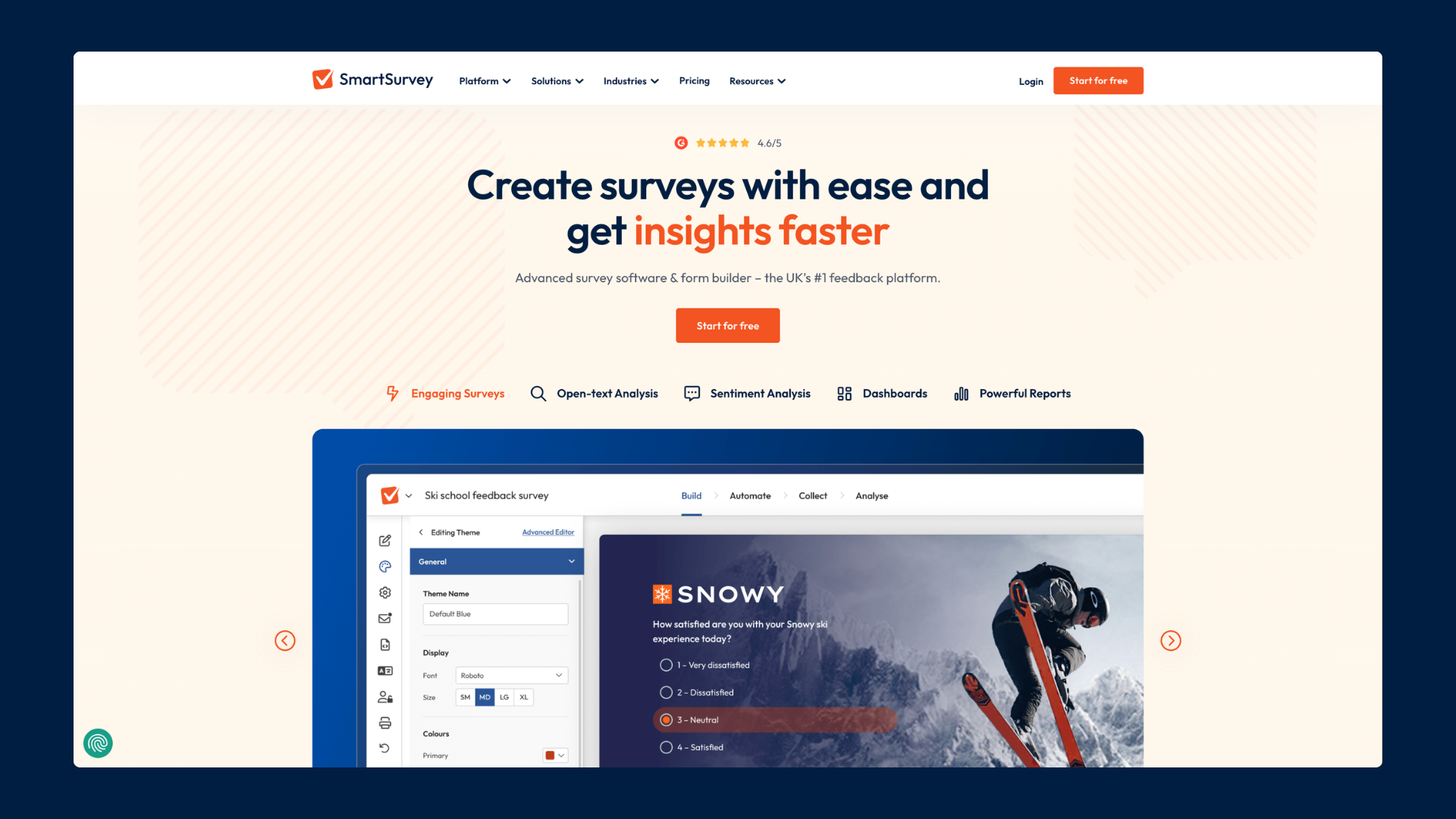
SmartSurvey is the UK's leading platform for online surveys, web forms, and feedback management. It is trusted by more than 600,000 users, including the NHS, UK government teams, Allianz, USwitch, and Tripadvisor.
It started as an advanced survey tool and grew into a full feedback platform. The idea is simple: give people more capability without making them jump to an expensive contract to unlock the features that should be standard. That is the core difference from SurveyMonkey, where the useful features tend to sit one tier above the one you are on.
For most teams leaving SurveyMonkey, three things stand out. Your data stays in the UK on every plan. Advanced logic, branding control, and AI analysis arrive on lower-priced plans rather than Enterprise. And the platform grows with you, from a single user on Advanced to a full customer or employee experience programme, without starting again on a different tool.
SmartSurvey vs SurveyMonkey at a glance
SmartSurvey compared with SurveyMonkey across the points that matter most.
For the full breakdown, see our SmartSurvey vs SurveyMonkey comparison.
Build surveys that adapt to each respondent
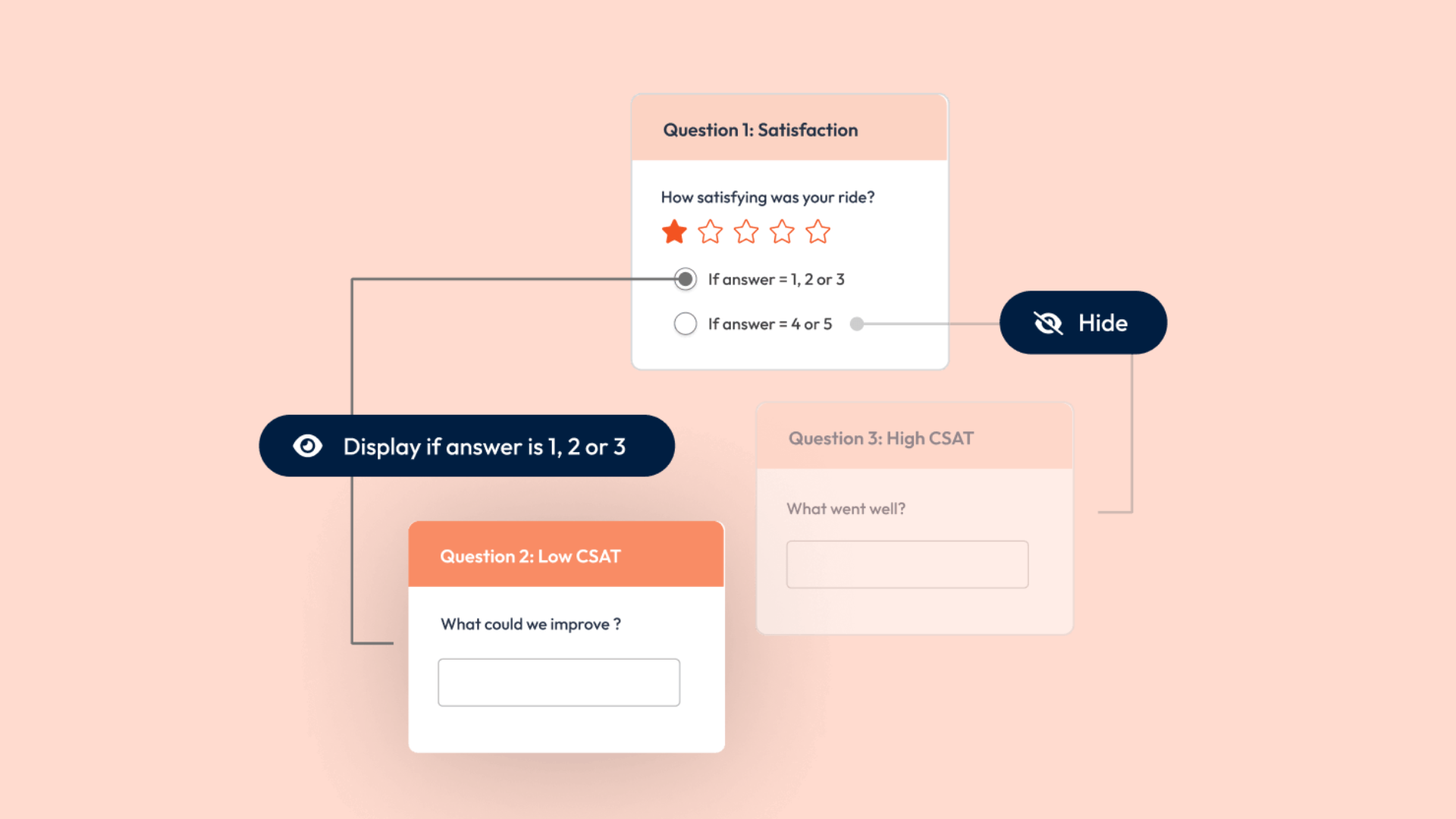
Advanced logic and personalisation is where the gap opens up. Skip logic, display logic, piping, carry-forward responses, and randomisation are available from the entry paid plan. In-page logic and custom variables arrive on Growth. These are the tools that let a survey react to each respondent and pull in data you already hold, and SurveyMonkey keeps the equivalents on its pricier tiers.
Reach respondents on every channel
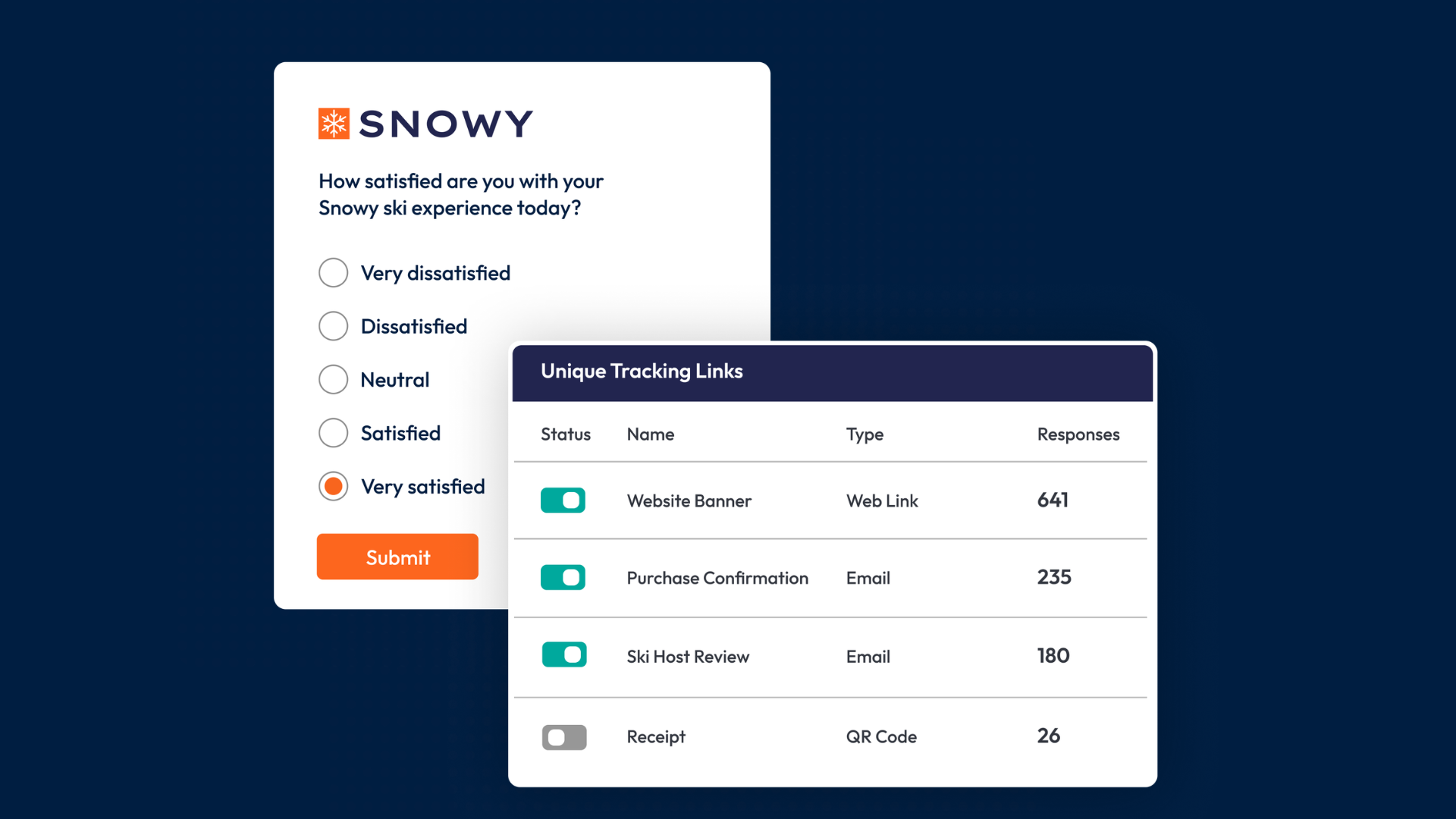
SmartSurvey distributes by web link, email with embedded questions, website embed, pop-ups, QR codes, tracking links, and social sharing. SMS, offline and kiosk collection, and website exit surveys come in on Scale and Solutions plans. On SurveyMonkey, SMS and offline both require an Enterprise contract.
Get insight without the manual work
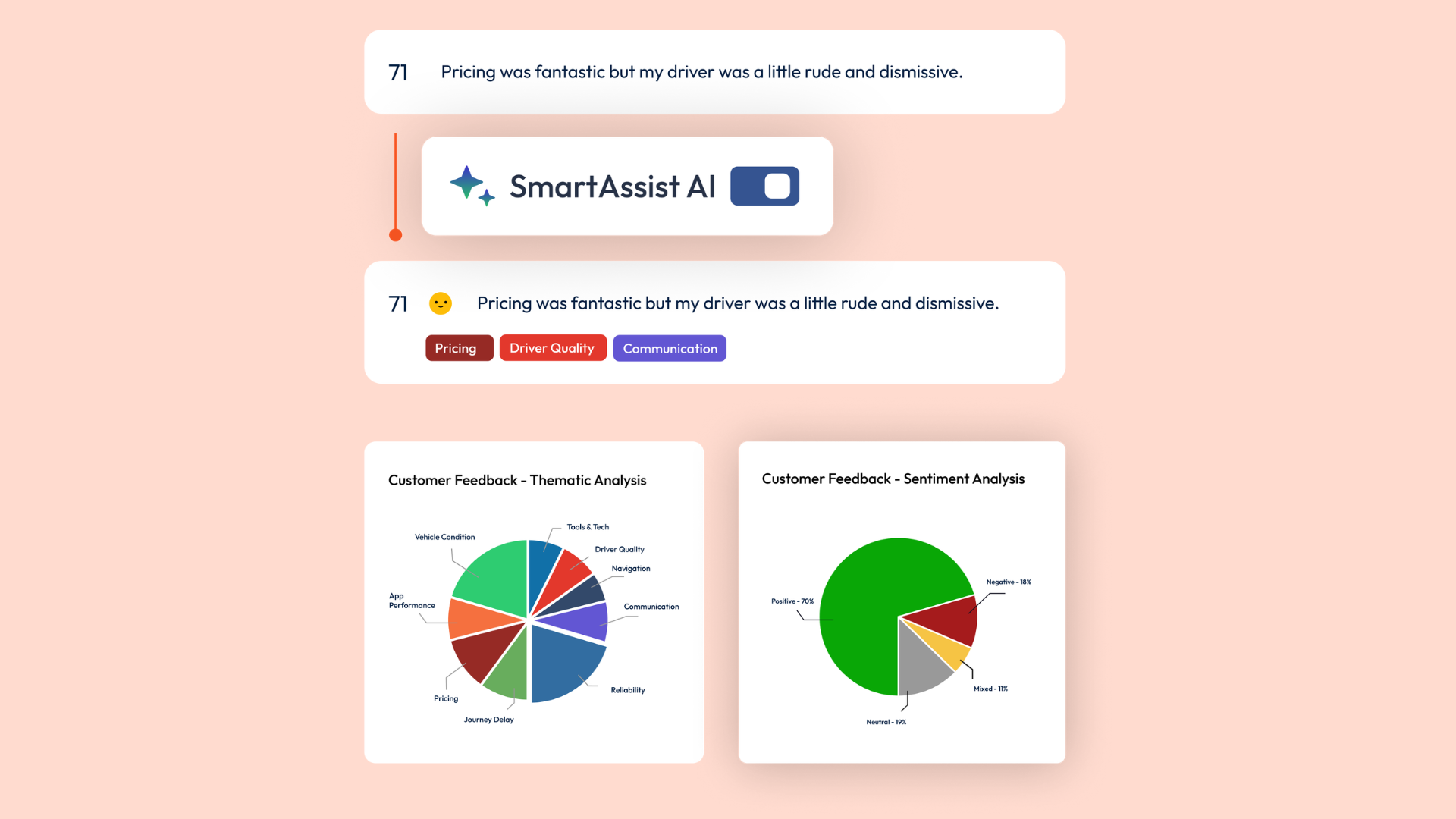
AI sentiment analysis is on every plan. AI thematic analysis, which groups thousands of open-text comments into themes, plus survey and response translation, arrive on Scale and Solutions. Real-time dashboards, cross-tabulation, and white-label shareable reports mean stakeholders see live data instead of waiting for an export.
Close the loop and act on feedback
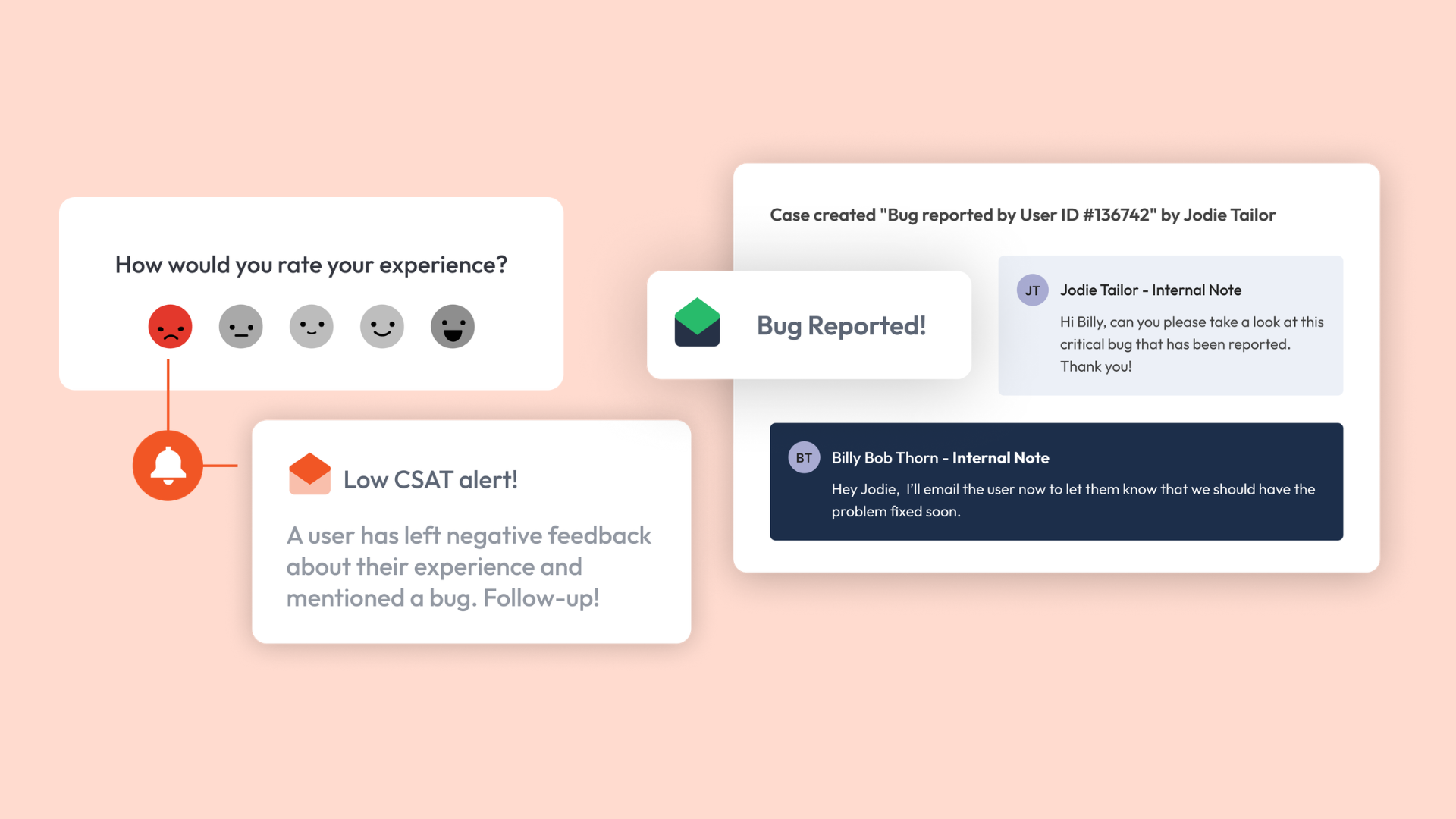
Case management turns a response that needs follow-up into a tracked task with an owner, a deadline, and a status, with tracking built in. It is included on SmartCX Pro and Solutions plans, and available as an add-on on Scale. SurveyMonkey has no equivalent at any tier.
Keep your data in the UK
All data is stored in UK data centres on every plan. SmartSurvey is ISO 27001 certified, Cyber Essentials Plus accredited, GDPR compliant, and meets the NHS Data Security and Protection Toolkit. For UK public sector, healthcare, and regulated buyers, that removes the data residency question that comes with a US-based tool. See more on the SmartSurvey security page.
Pricing
- Basic: free forever. Core question types, AI survey building, 130-plus templates, and accessible, GDPR-compliant surveys
- Advanced: from £70/month billed annually (£840/year), or pay monthly. One user, 30,000 responses, advanced question types, logic, and sentiment analysis
- Growth: from £100/month billed annually (£1,200/year), or pay monthly. Multiple users, 90,000 responses, dashboards, API access, and integrations such as Slack, Teams, and Zapier
- Scale solution: prices vary and are tailored. Key Driver Analysis, Reputation Management, SMS and offline collection, AI translation and thematic analysis, white-label branding, SSO, and HIPAA compliance
Beyond self-serve, SmartSurvey's Solutions plans (including SmartCX and SmartCX Pro) run full customer, employee, patient, and citizen experience programmes, with NPS, CSAT, and CES tooling, case management, and multi-location reporting. Your plan includes a large response allowance as standard, so growing volumes do not trigger the per-response charges SurveyMonkey applies.
2. Qualtrics
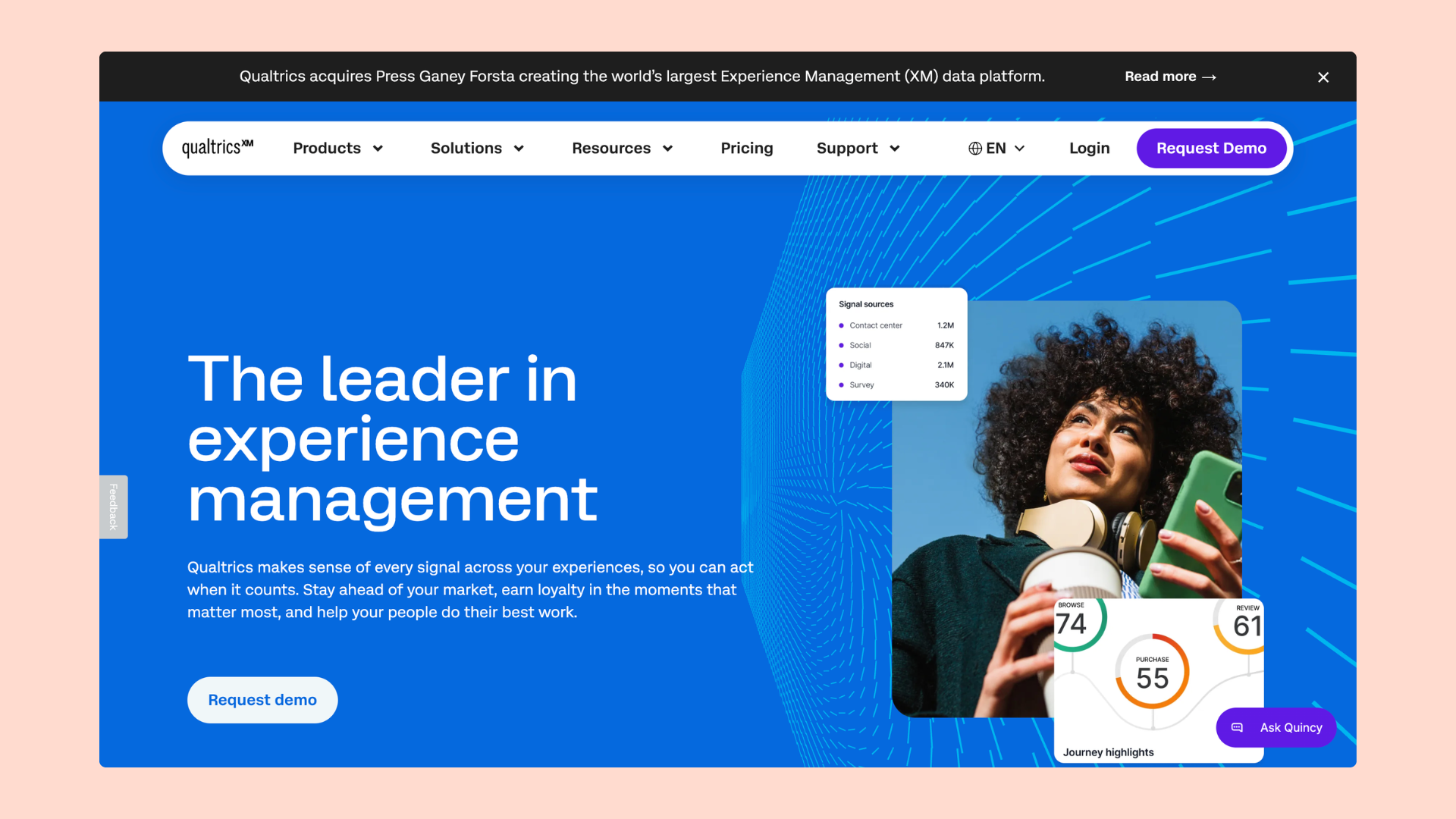
Qualtrics is an enterprise experience management platform built for organisations with complex, high-volume research needs. Originally designed for academic and scientific research, it now covers customer experience, employee experience, product, and brand research across large organisations.
The feature set is deep with over 100 question types, advanced statistical tools including conjoint and MaxDiff analysis, AI-driven text analytics, and integrations across enterprise ecosystems including SAP. For regulated industries requiring HIPAA or FedRAMP compliance, Qualtrics is one of the few platforms that can meet those requirements.
Pricing is not published. A free account is available but limited to 500 total responses and three active surveys — it is not suitable for ongoing professional use. The only published paid tier is the Strategic Research plan at $420 per month billed annually, which covers 1,000 responses across all users. All other plans — including Customer Experience, Employee Experience, and enterprise suites — require a sales conversation and a custom quote. Independent procurement data suggests typical annual contract values for business use range from several thousand to six figures depending on the modules selected.
3. Alchemer
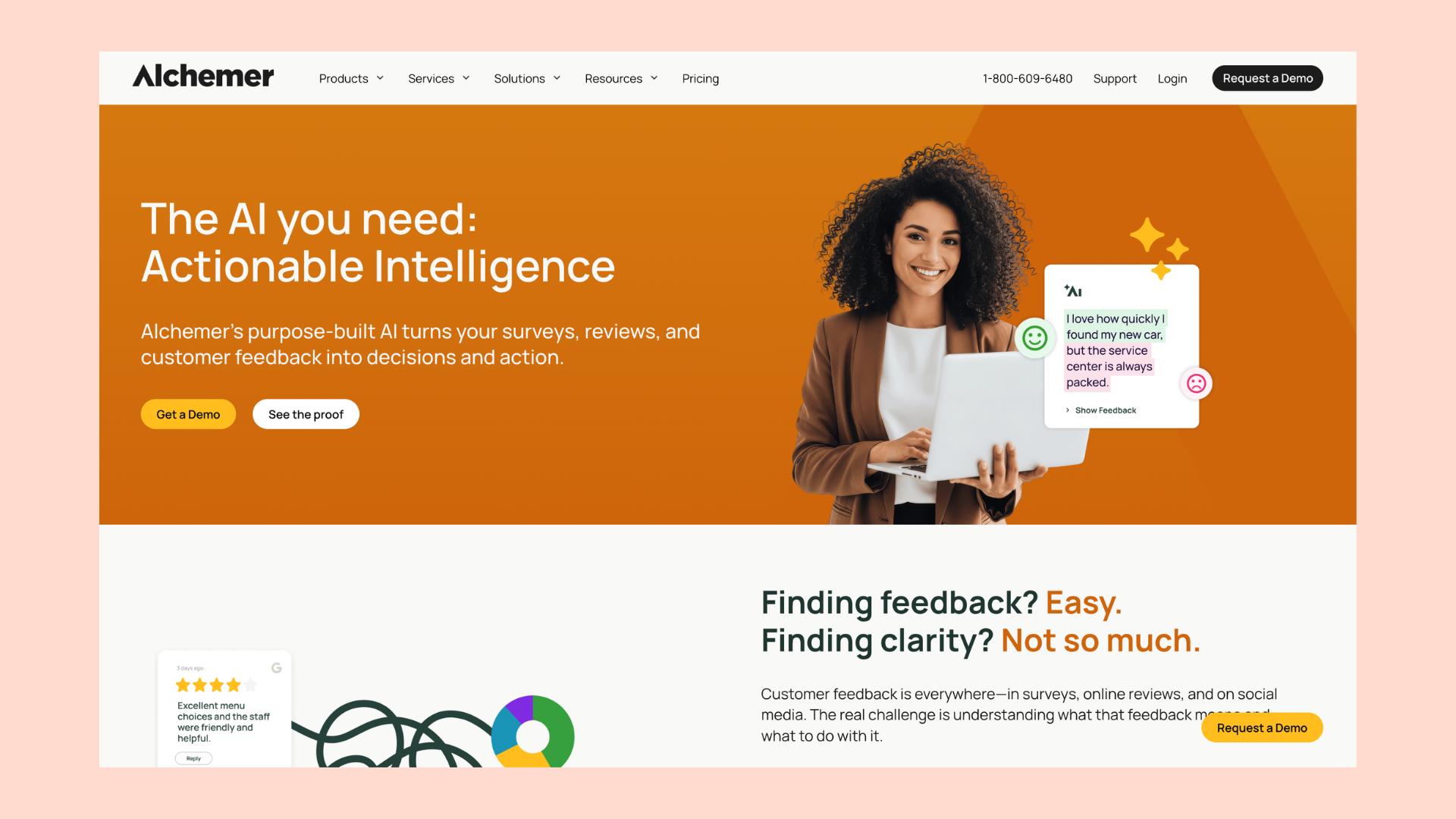
Alchemer, formerly SurveyGizmo, sits between mid-market and enterprise. It is strong on advanced question types and market research methods such as conjoint, MaxDiff, and card sort, and it exports cleanly to SPSS on its top tier.
Pricing is per user in US dollars. Collaborator is 55 USD per user per month (around £40), Professional is 165 USD (around £120), and Full Access is 275 USD (around £205). The catch is that self-serve plans are capped at 3 users, and anything serious, including API access, HIPAA cover, and more seats, requires the quote-only enterprise tier.
4. Typeform
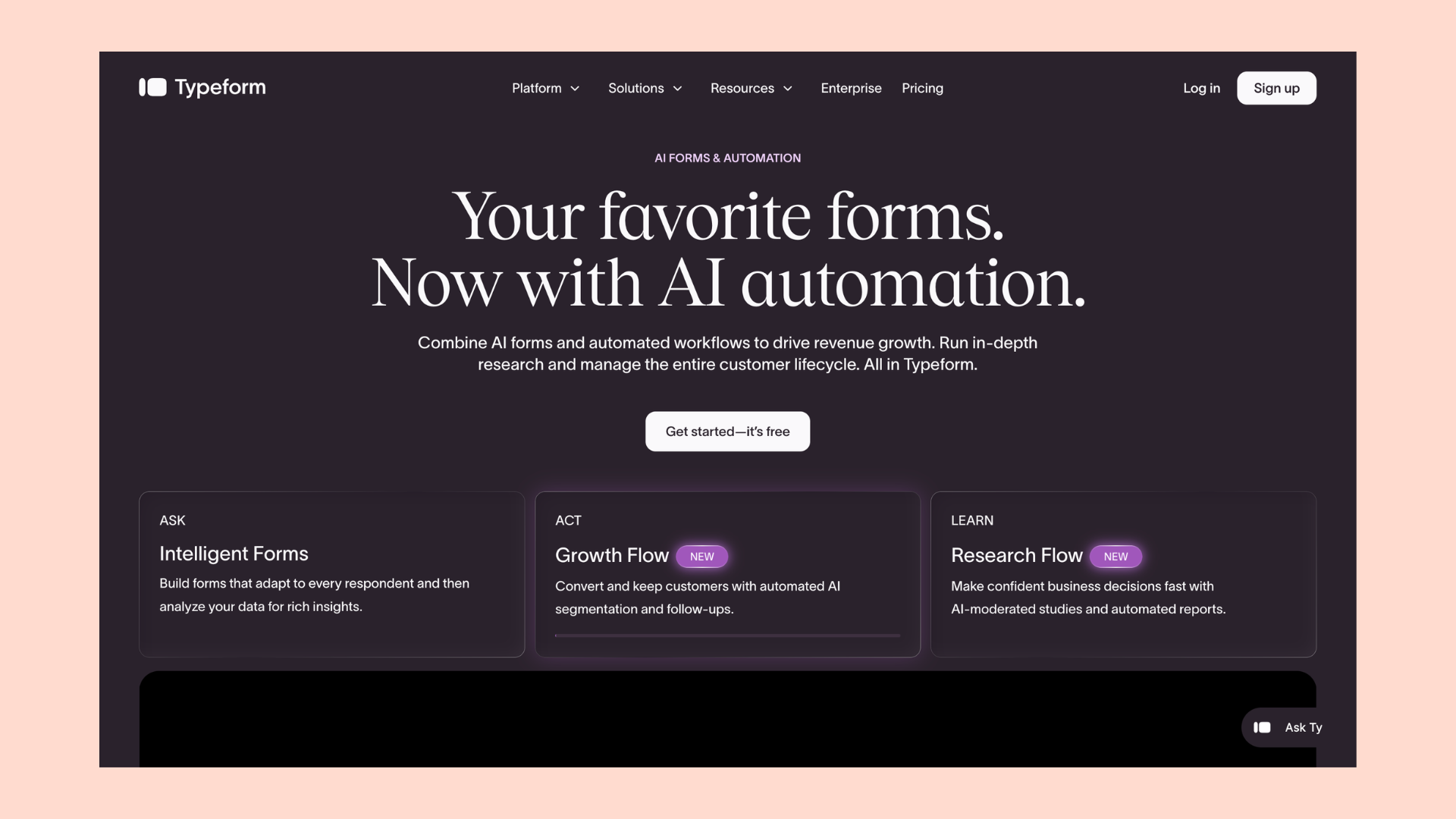
Typeform made its name with one-question-at-a-time surveys that feel like a conversation. For brand-sensitive forms, customer interviews, and marketing capture, the respondent experience is the best in the category, and its 2025 AI form building is genuinely useful.
The trade-off is response limits. Paid plans cap responses per month, and when you hit the cap the form stops collecting until the next billing month or until you upgrade. Free gives you 10 responses a month. Basic is 28 USD a month billed annually for 100 responses. Plus is 56 USD for 1,000, and Business is 91 USD for 10,000. For higher-volume surveys, those caps get expensive fast.
5. QuestionPro
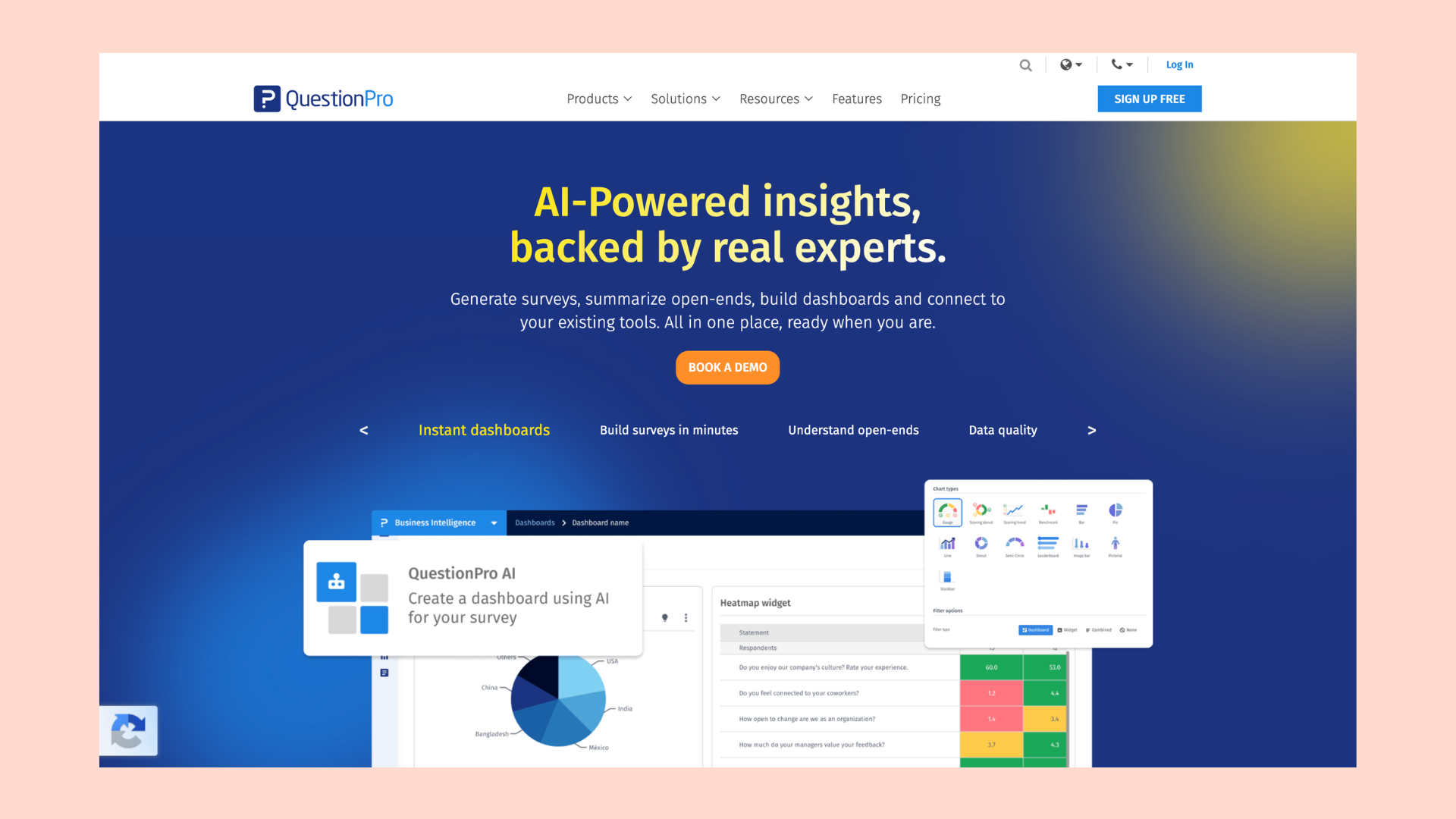
QuestionPro packs a lot of research capability into a mid-market price. It offers conjoint, MaxDiff, TURF, and A/B testing, and unlike Qualtrics it publishes its pricing.
There is a free Essentials plan limited to 200 responses per survey. The Advanced plan is 99 USD per user per month billed annually, with 25,000 responses a year, and Team Edition is 83 USD per user per month for 100,000 responses. The per-user model adds up quickly once you have a few seats, and the interface is generally rated below Typeform and SurveyMonkey.
6. Snap Surveys
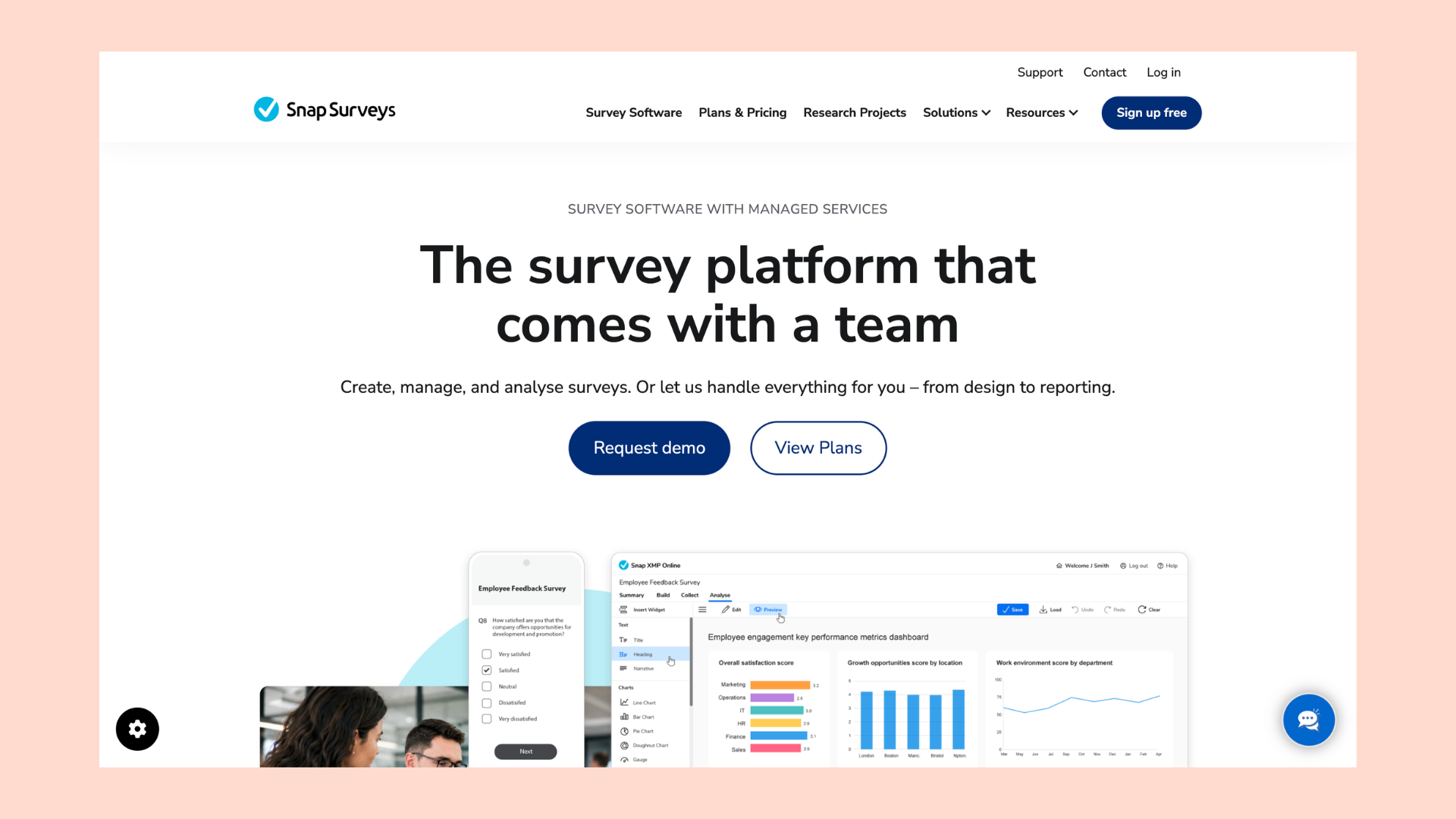
Snap Surveys is a UK platform, founded in Bristol in 1981, with a strong following in academic research and the public sector. It now runs a full web platform, Snap XMP Online, alongside a Windows desktop app that is still actively maintained, so the old "desktop only" reputation no longer holds.
Its real strength is multi-mode collection. Snap brings together online, offline and kiosk (CAPI), and paper scanning into a single analysis, which suits large field studies and census-style work. It also fits UK public sector needs, with UK data hosting, ISO 27001, Cyber Essentials Plus, and the NHS Data Security and Protection Toolkit. Pricing is published in US dollars and billed annually: a free Starter tier (200 responses), Advanced at 30 USD a month (50,000 responses), Elite at 95 USD per user per month, and a quote-based Ultra tier.
7. Google Forms
Google Forms is free, fast, and frictionless if you already use Google Workspace. Setting up a basic survey takes minutes, and responses flow straight into Google Sheets. In 2025 Google added Gemini features that draft forms and summarise responses, though those require a paid Workspace or AI plan and only work on smaller response sets.
For anything beyond a simple survey it runs out of road quickly. Logic and branching are limited, branding is minimal, there are no advanced question types, and analytics are basic.
8. Microsoft Forms
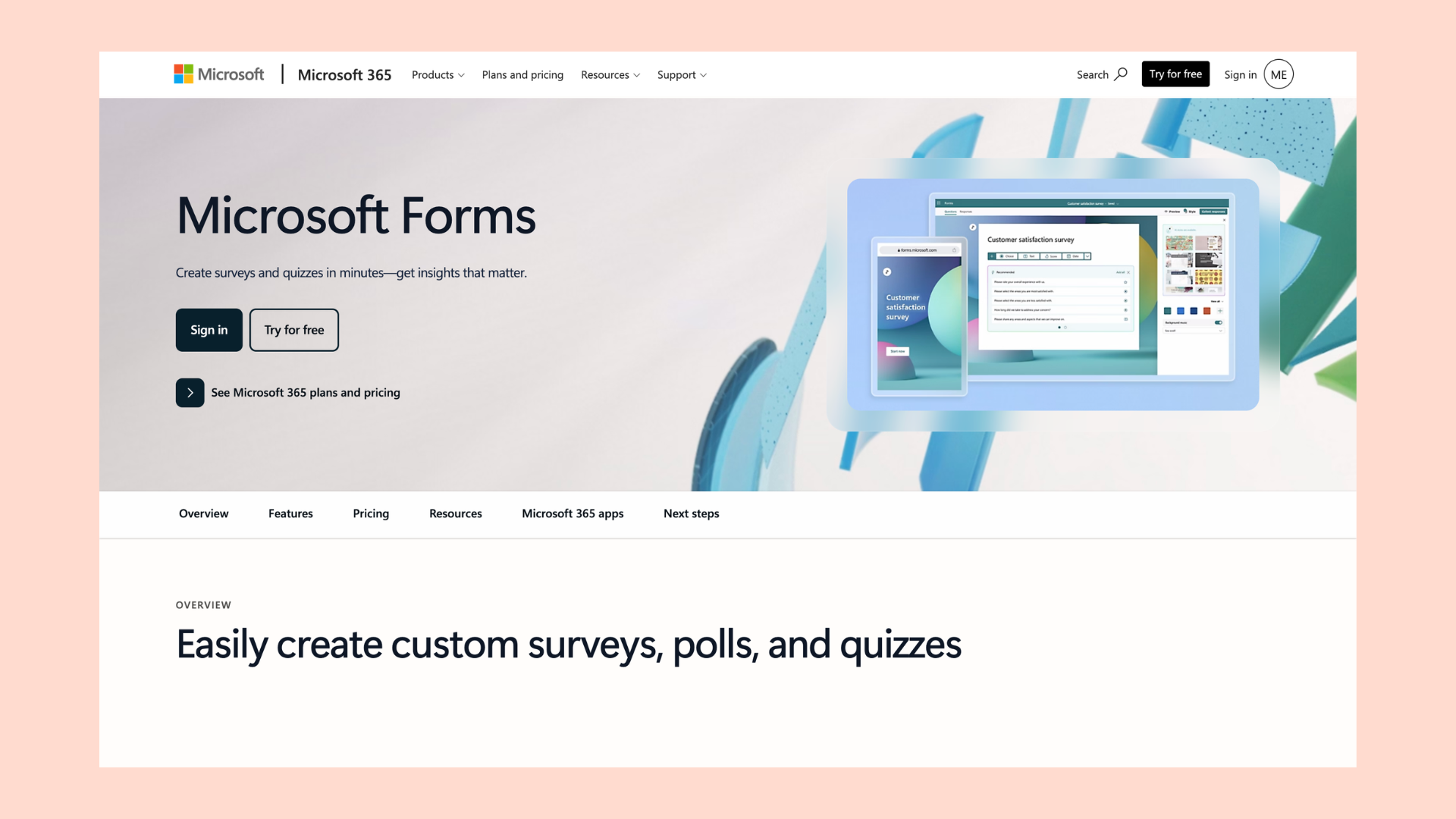
Microsoft Forms is the equivalent for Microsoft 365 teams. It is included in M365 subscriptions and is also usable free with a personal Microsoft account. It handles quizzes, polls, and straightforward surveys, integrates tightly with Teams, SharePoint, and Excel, and added Copilot drafting in 2025, which requires a paid Copilot licence.
Like Google Forms, it is built for simplicity rather than depth. There is no real branding or white-labelling, branching is basic, and there are no advanced research question types.
How to choose the right SurveyMonkey alternative
Start with security and data residency
If you collect personal or sensitive data, where it is stored matters. UK and EU organisations are usually safest with a provider that stores data in the UK, which means choosing a UK-based platform such as SmartSurvey or Snap Surveys rather than a US-based tool.
Define what you actually need to collect
Be clear on the data you need and how you will gather it before you compare tools. A simple internal poll has very different requirements from a multi-channel customer experience programme.
Match the features to the job
Look past the headline feature list to where features sit in the pricing. The common trap with SurveyMonkey is finding that logic, SMS, or analytics you need are one tier up. Check what is included on the plan you would actually buy.
Weigh the total cost, not the sticker price
Response limits and overage charges are where survey tools get expensive. Check the response allowance, what happens when you exceed it, and whether deleted responses count. A low monthly price with a tight response cap can cost more than a higher price with a generous allowance.
Check how easy it is to use, and what support you get
A tool only delivers if your team can use it. Look for one that does not need a specialist to run, and check whether phone and live chat support are included on your plan or reserved for higher tiers.
Try the premium features for free
The features you care about are usually the paid ones. Pick a tool that lets you trial them before committing, so you are not paying to find out it does not fit.
Which is the best SurveyMonkey alternative?
There is no single best tool for everyone, but there is a best tool for each job.
For most UK teams, SmartSurvey is the strongest all-round alternative. It keeps your data in the UK, puts advanced logic and AI analysis on lower-priced plans, includes support on every paid plan, and scales from one user to a full feedback programme without the response overage charges SurveyMonkey applies.
If you need the deepest analytics and have the budget, choose Qualtrics. For advanced research question types, look at Alchemer or QuestionPro. For a beautiful conversational form, Typeform is hard to beat. For UK multi-mode field research, Snap Surveys is a strong pick. And if you only need simple internal surveys, Google Forms and Microsoft Forms do the job for free.
If you have started to feel the limits of SurveyMonkey, SmartSurvey is the natural next step. Start for free, no credit card required.
Frequently asked questions
Is SurveyMonkey GDPR compliant?
SurveyMonkey states it is GDPR compliant, but data is processed and stored on US servers by default. UK and EU organisations should review their data processing agreements carefully, particularly given FISA implications for non-US users. For organisations that need data stored in the UK, SmartSurvey or Snap Surveys are more straightforward options.
What is the cheapest SurveyMonkey alternative in the UK?
Google Forms and Microsoft Forms are free. Among dedicated survey platforms, SmartSurvey's Basic plan is free forever. The Advanced plan starts at £70 per month billed annually, which includes 30,000 responses per year with no overage charges — making it significantly more predictable in cost than SurveyMonkey's response-limited plans.
Which SurveyMonkey alternative is best for UK government and public sector organisations?
SmartSurvey and Snap Surveys are both strong options. Both store data in the UK, are WCAG compliant, and are used extensively across UK public sector organisations including local authorities, NHS trusts, and government departments. SmartSurvey is used by the Cabinet Office and HSE, among others.
Do any SurveyMonkey alternatives offer unlimited responses?
SmartSurvey's annual plans include a large response allowance with no per-response billing. Alchemer's Collaborator plan includes 75,000 responses per year with no overage charges. Neither platform charges you automatically if responses go above a threshold in the way SurveyMonkey does.
Can I switch from SurveyMonkey to another platform without losing my data?
Most platforms, including SmartSurvey, allow you to export your SurveyMonkey data in CSV or Excel format and rebuild surveys in the new platform. SmartSurvey's team can support this process as part of onboarding. It is worth planning the transition at your renewal date to avoid overlapping costs.
Is SmartSurvey better than SurveyMonkey?
For teams that need more than a basic survey, yes. SmartSurvey includes advanced logic, branding control, AI analysis, and case management on lower-priced plans, stores data in the UK, and provides phone and live chat support on every paid plan. SurveyMonkey is a strong choice for quick, one-off surveys and has a larger template library.


Damian sits at the sweet spot between product and customer - making sure SmartSurvey’s features don’t just work well, but land well too. With a background in digital marketing and a knack for clear communication, he helps users understand exactly how our tools can make their lives easier. He’s all about clarity, value, and keeping feedback at the heart of every message.


