

Connect survey data to the reports that drive decisions
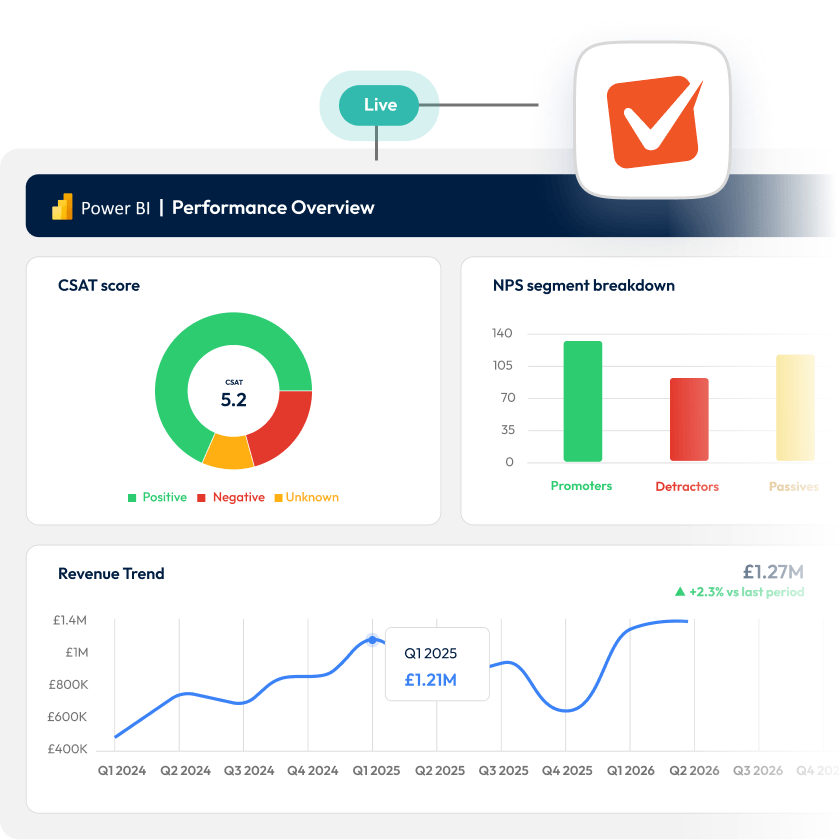











Bring feedback data into every report
Pull survey data directly into Power BI and see it sitting alongside revenue, operations, and service scores.
Stop exporting data by hand for good
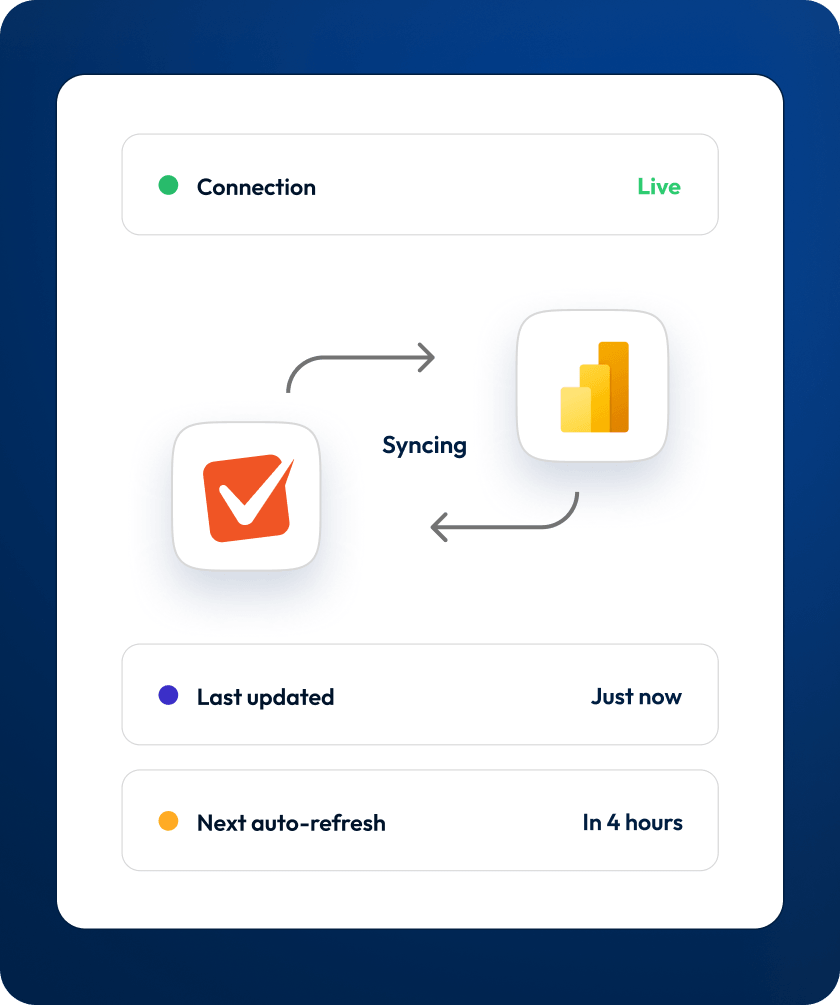
Power BI connects directly to SmartSurvey and syncs automatically. No tickets, no manual steps.
Show stakeholders live fresh data
Schedule automatic refreshes and Power BI always pulls the latest data. No stale snapshots from last week.
Prove feedback drives real outcomes
Place survey data next to your business metrics and let the connections between feedback and performance speak.
Stop rebuilding your data pipeline
Connecting once is all it takes. Every time you open Power BI, your survey data is ready to pull.
Your Power BI data is always current
Your on-premise gateway keeps reports updated automatically.
No admin overhead
Download the connector, install it once, and the pipeline runs itself.
Save hours of manual prep
No CSV cleaning, no reformatting, no re-importing.
Combine survey data with business data
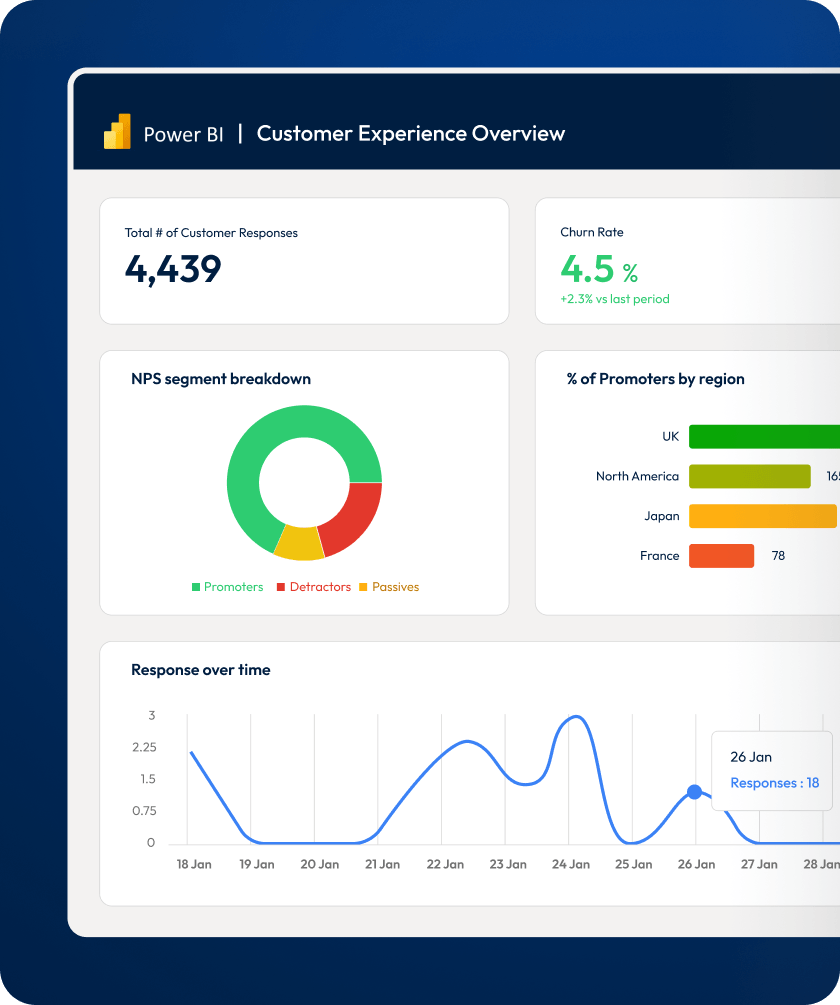
Revenue figures tell you something went wrong. Feedback tells you why. Bring both into the same Power BI report.
Make feedback part of every conversation
Survey data alongside the business metrics that matter.
Surface patterns you’d otherwise miss
The connections that neither dataset shows on its own.
Give stakeholders the full picture
Feedback that lives where decisions get made actually gets used.
Analysts can easily access data they need
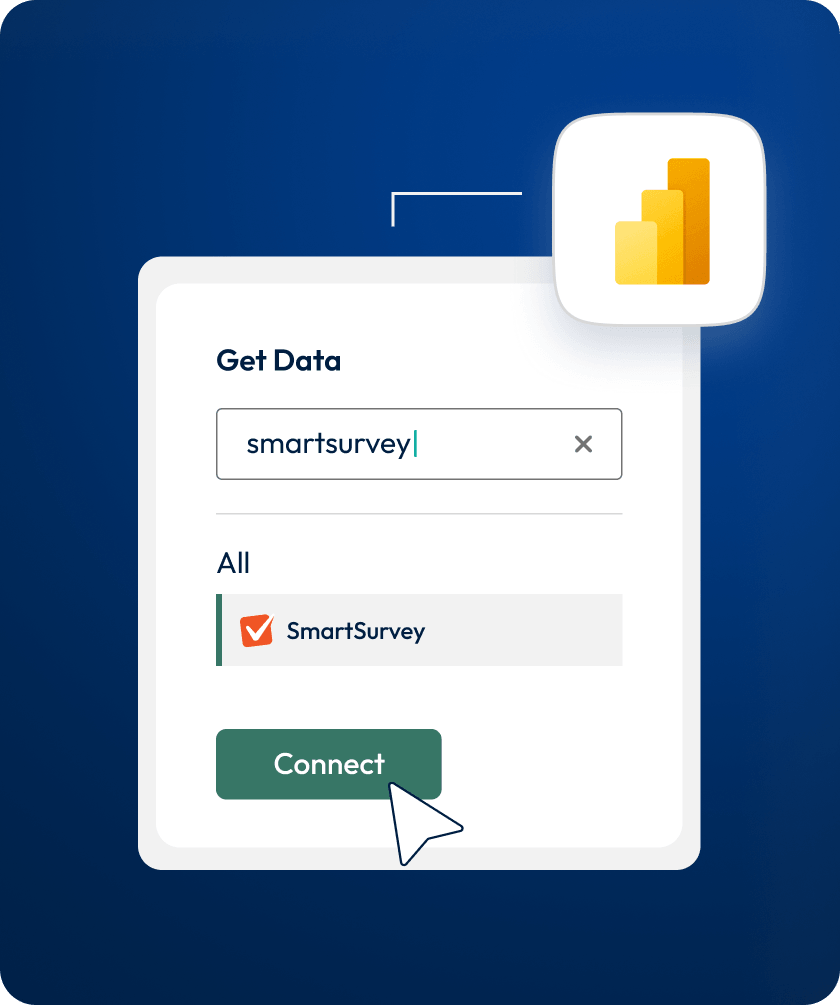
Anyone comfortable with Power BI can connect directly using their API key. No intermediary steps, no waiting on IT, no dependencies.
Self-serve from day one
Analysts connect directly using their API key. No tickets, no waiting.
Model and visualise without switching apps
Survey responses load straight into Power BI, structured and ready.
Scale access across your team
Analysts can independently connect survey data to their work.

“I've managed to setup the connector and connect to a SmartSurvey response dataset! It was easy to do and I’ve already gotten great results.”
Frequently asked questions
SmartSurvey is one of fewer than five survey platforms with a native Power BI connector. It gives your analysts a direct pull-based connection to response data, so feedback sits alongside operational and financial data in the dashboards your leadership team uses. You get advanced survey functionality, multi-channel distribution, and a reporting connection most platforms simply don't offer.
The connector is available on Scale, SmartCX Pro, SmartFFT, SmartCE, and Full Access plans. It is not available on Free, Advanced, Growth, or standard SmartCX plans.
Scheduled refreshes are supported when you set up the connector through your on-premise gateway. Power BI Desktop on its own does not support automatic scheduled refreshes.
No. You download a connector file, copy it to a folder on your machine, adjust one security setting in Power BI Desktop, and authenticate with your SmartSurvey API key. Most users are connected within a few minutes.
The connector pulls response data from any survey you have access to in your SmartSurvey account. You select which surveys to load through the Power BI navigator and can preview responses before importing.
Yes. SmartSurvey connects with a wide range of tools. You can embed surveys into websites and apps, sync contact data with Salesforce or HubSpot, pull response data into Power BI for reporting, and build custom integrations using our API and webhooks.
Yes. SmartSurvey is ISO 27001 certified and Cyber Essentials Plus accredited. Data is encrypted in transit using TLS and at rest using AES. We are fully GDPR compliant and offer localised data storage options for organisations with specific data residency requirements.
Yes. You can request a personalised demo and trial to see how the Power BI connector works for your team before committing. Book a demo to get started.
Pricing depends on your requirements and plan. The Power BI connector is available on Scale, SmartCX Pro, SmartFFT, SmartCE, and Full Access plans. Book a demo to get started.
See SmartSurvey’s Power BI integration in action


