

CES Calculator
What is your Customer Effort Score?
How to use the Customer Effort Score calculator
Visit one of the pages below to learn more
SmartSurvey for CX
See how to collect feedback across every touchpoint, track CX metrics in one place, and turn insights into improvements that build loyalty.
CES with SmartSurvey
See how SmartSurvey calculates your effort scores automatically, shows you what's creating friction, and helps you take action to improve experiences for customers.
SmartSurvey automatically calculates your CES and gives you the tools to reduce effort
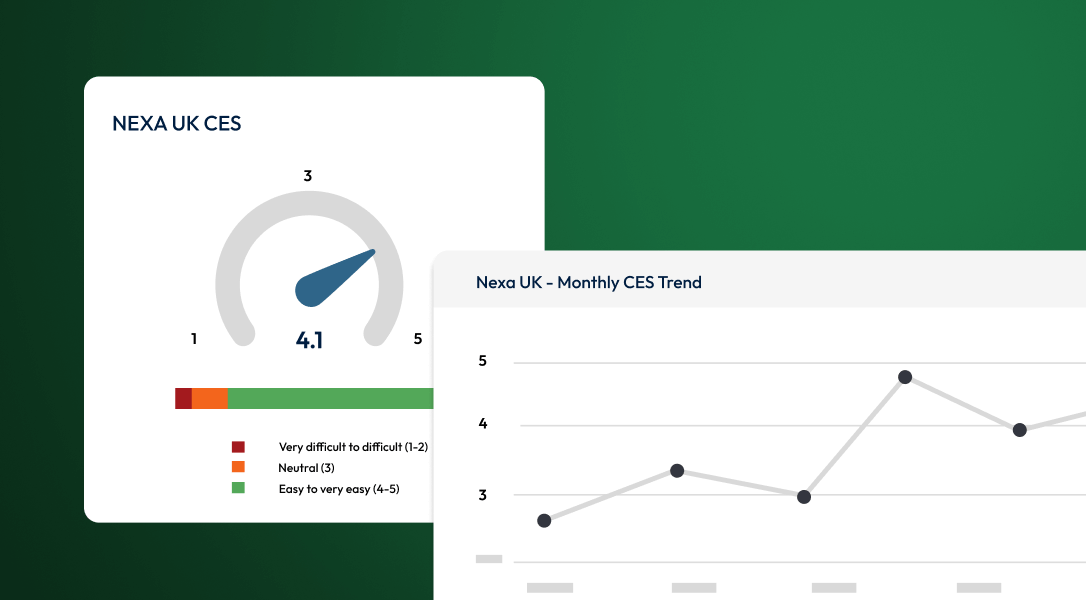
Calculate CES automatically and track score trends
No spreadsheets, no formulas, no fuss. SmartSurvey works out your customer effort score the moment responses come in. Simply create your CES survey, send it to your respondents, capture feedback and our platform will give your team the real-time scores automatically.
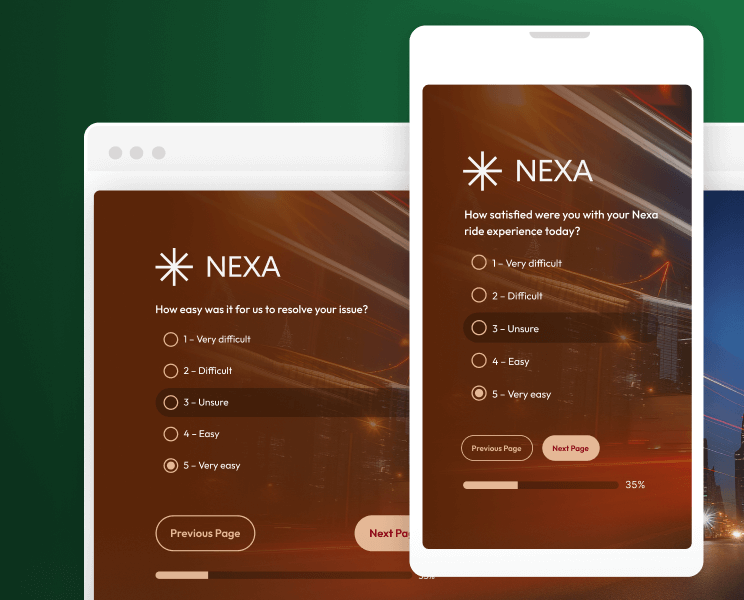
Create beautiful, on-brand surveys
Create professional-looking effort surveys that match your brand and make a great impression, without needing a design degree or developer on speed dial.
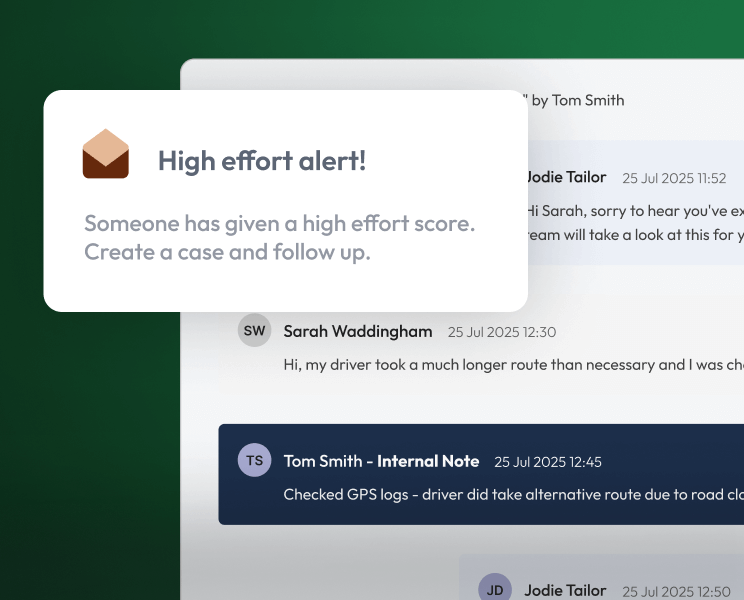
Close the feedback loop
Create cases from responses that need customer follow-up. Assign cases to your team, track the status, and communicate with respondents in-app.
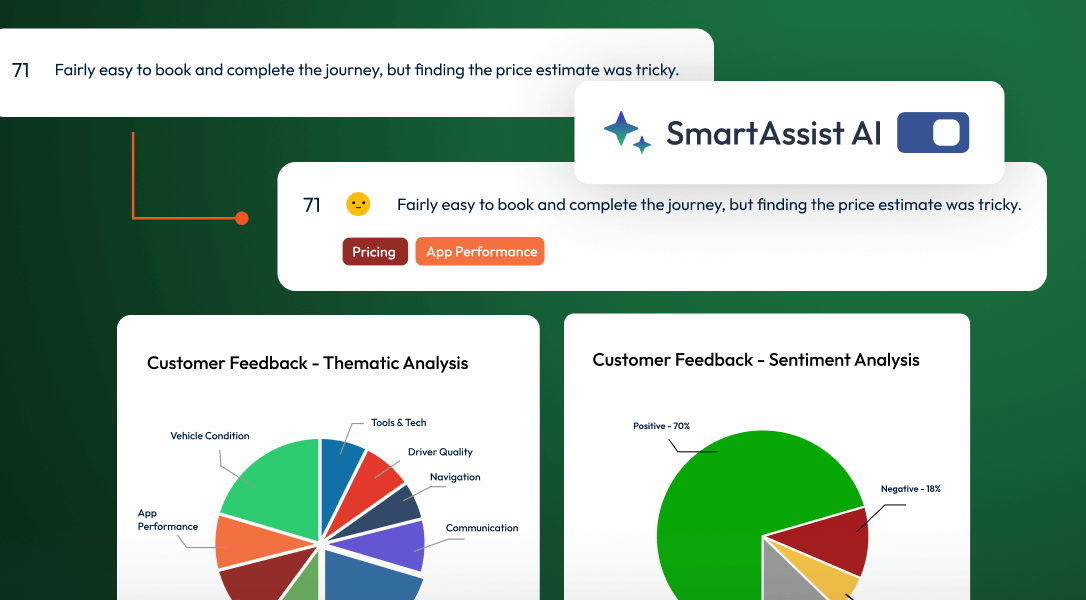
Use AI to surface friction themes in seconds
AI reads through every "difficult" or high-effort comment to help you spot exactly what's creating obstacles for customers. Spot recurring complaints about service, product, or delivery instantly, so you know where to focus your improvements.
See SmartSurvey in action


